
Hand-picked sources. You read the original.
Every post opens the original article on the blog that published it. We add each source by hand.
LARAVEL-NEWS.COM · DEV.TO · PUB.TOWARDSAI.NET · +300 MORE
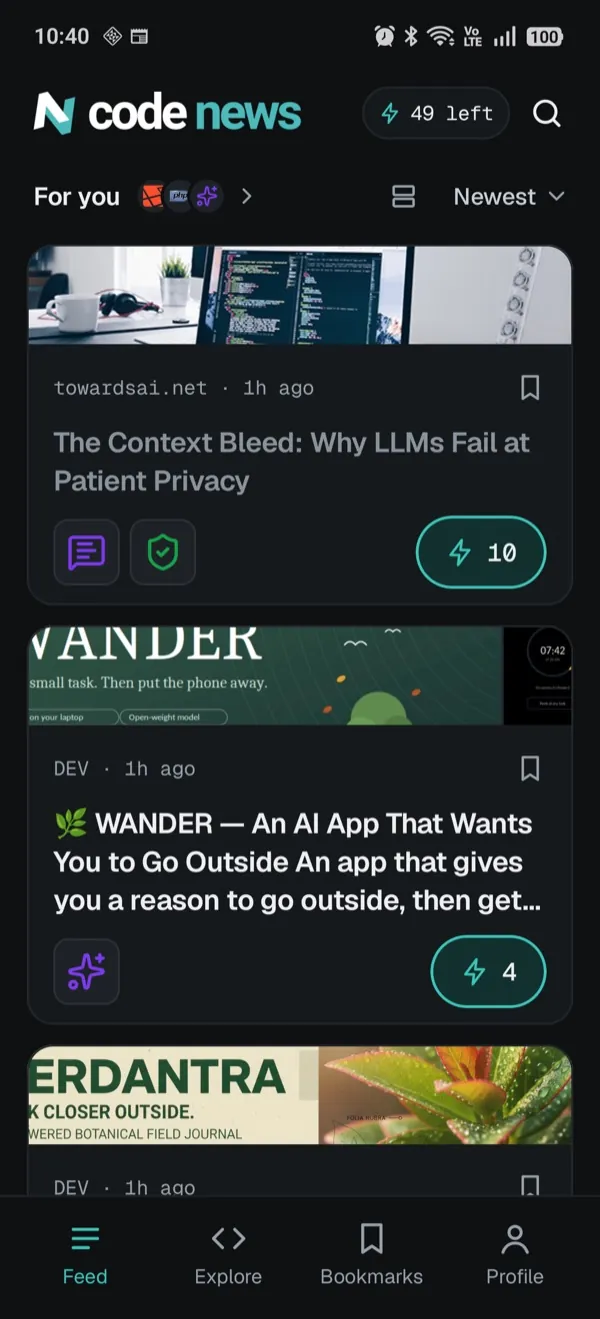
Code News puts new posts on the languages and tools you use into one feed. See what changed in your stack before it lands in code review.
 App Store coming soon
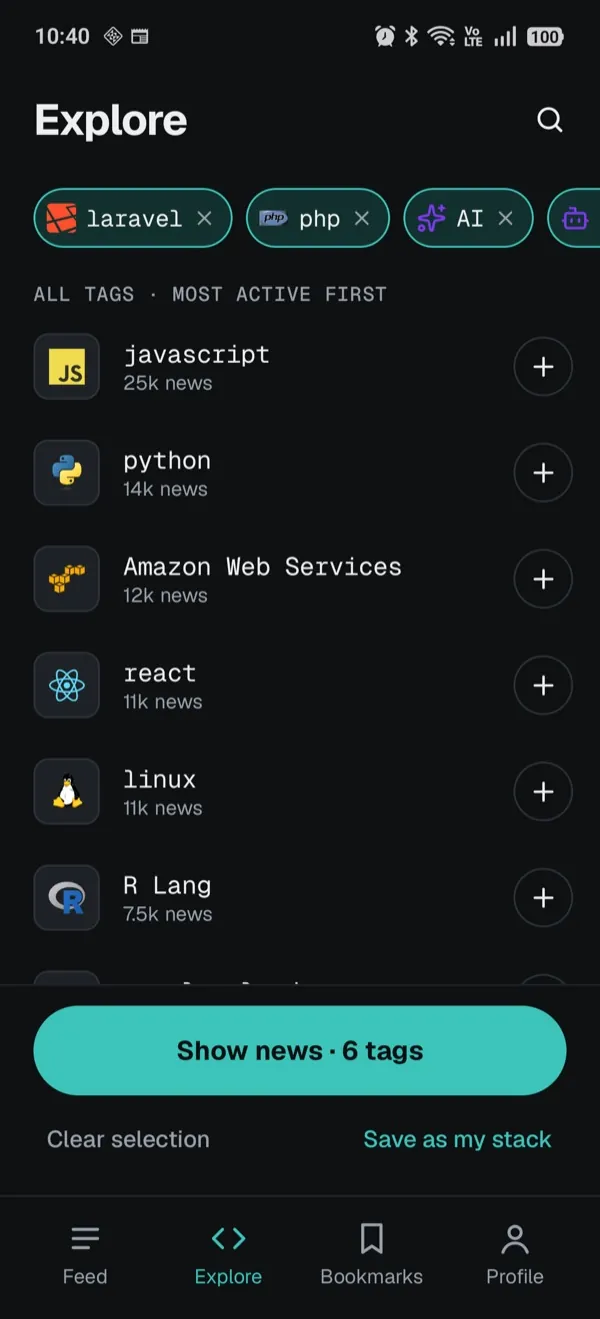
 javascript
 python
 react
 laravel
 php
 node.js
 java
 go
 swift
A breaking change in your framework reaches you as a red build.
Most of what they send is about tools you never touch.
You open an article just to find out if it was worth opening.
Cookie walls, sign-up banners and menus stand between you and the article.
Pick the languages and tools you use, then tap Save as my stack. Your feed, notifications and the home screen widget stick to those tags.
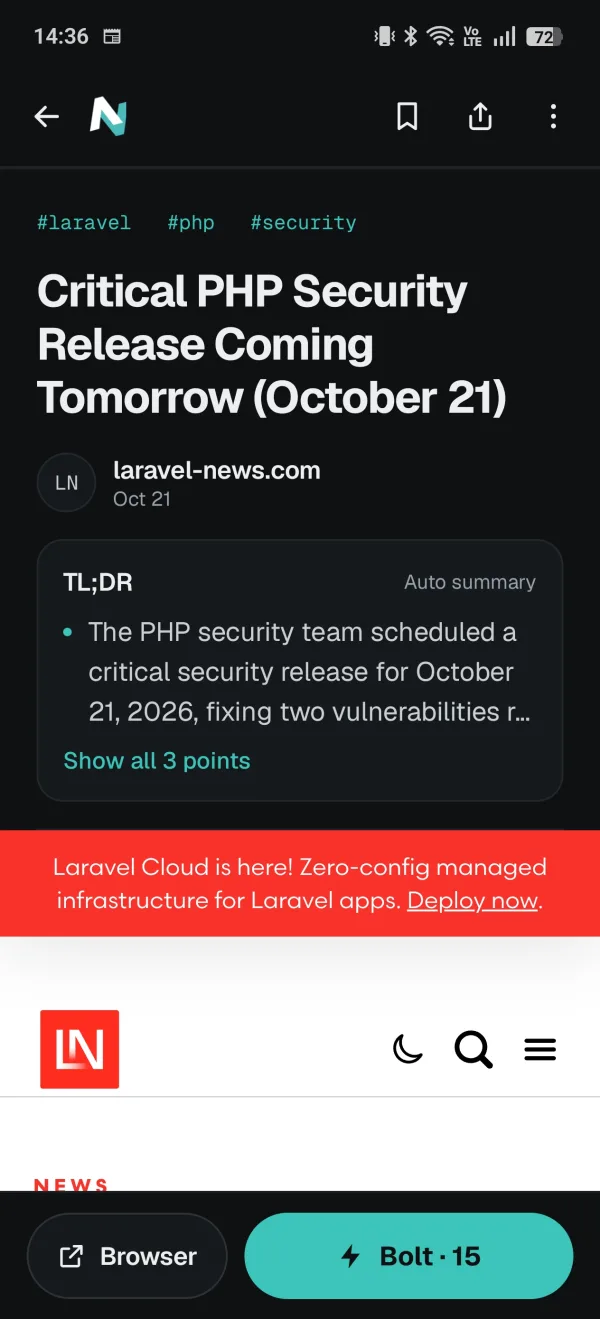
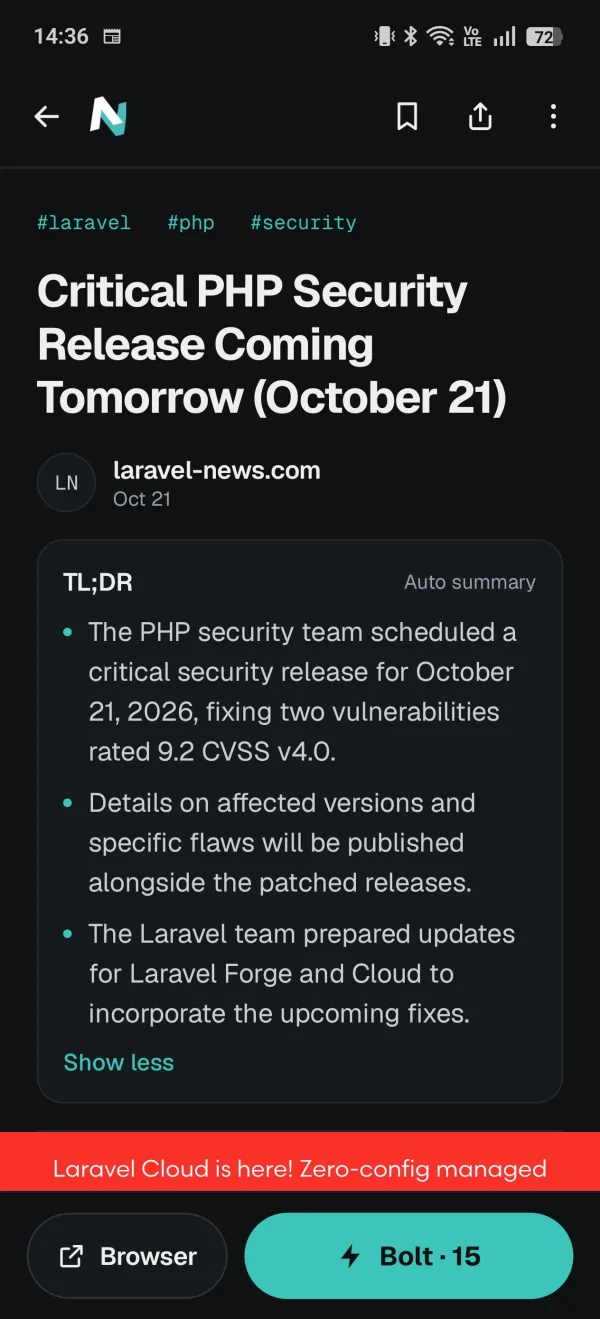
The TL;DR sits at the top of the article. Read it, then decide if the rest is worth your time.
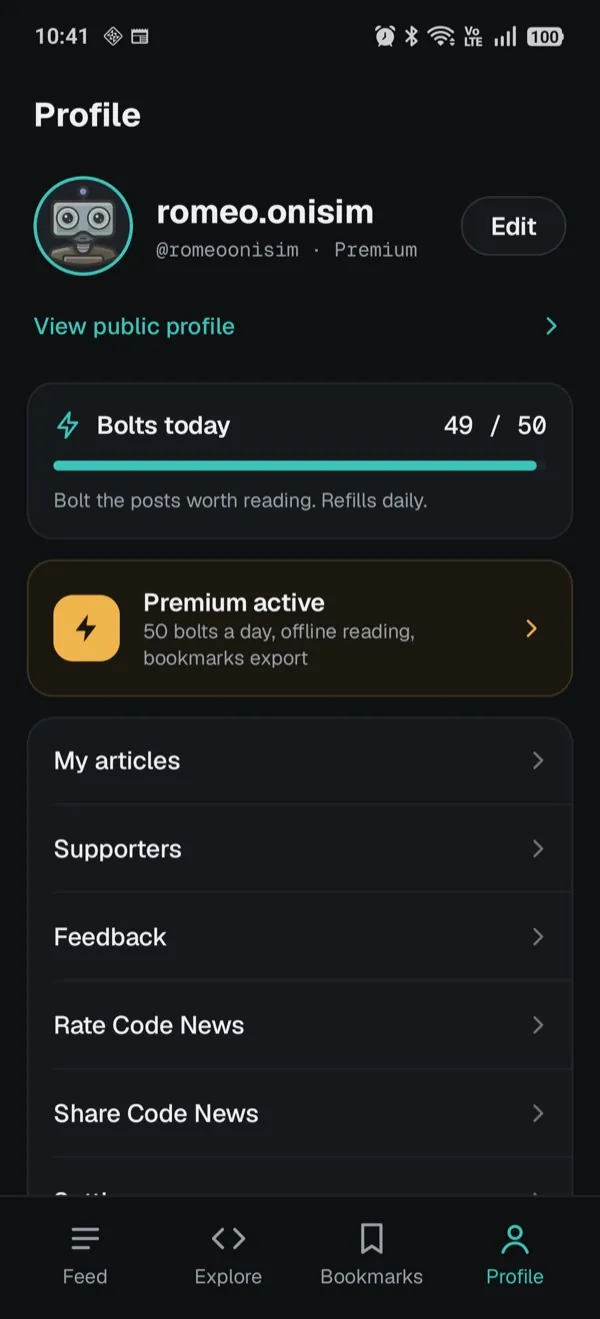
You get 10 bolts a day, and they refill every day. Sort by Most bolted to see what other developers picked.
Hand-picked sources. You read the original.
Every post opens the original article on the blog that published it. We add each source by hand.
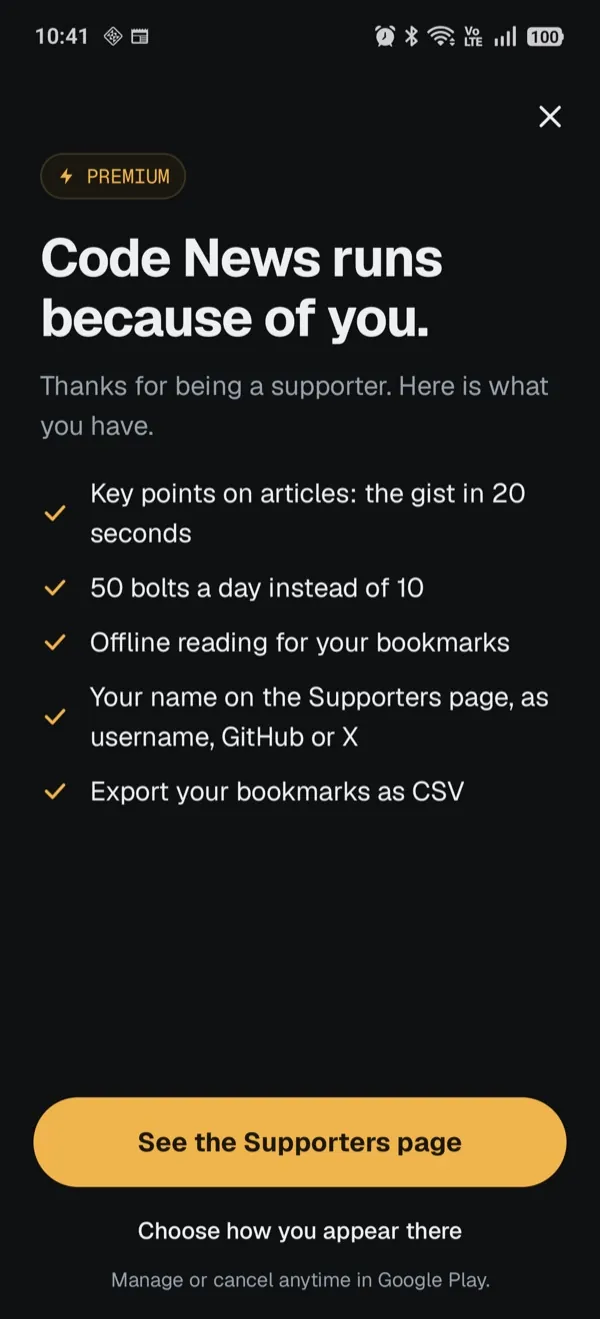
Premium pays for Code News. You get the TL;DR on every article, 50 bolts a day and your name on the Supporters page.
| FREE | PREMIUM | |
|---|---|---|
| Fresh posts on your stack | ✓ | ✓ |
| Save as my stack, notifications | ✓ | ✓ |
| Home screen widget Android | ✓ | ✓ |
| Bolts a day | 10 | 50 |
| TL;DR on every article the gist in 20 seconds | – | ✓ |
| Offline reading for your bookmarks | – | ✓ |
| Export your bookmarks as CSV | – | ✓ |
| Your name on the Supporters page as username, GitHub or X | – | ✓ |
Your post reaches developers who follow the stack you need. A Laravel job goes to Laravel developers.
Post a job →Post an announcement →Jobs, announcements, feedback or a source we should add. We reply by email.
Yes. Reading, your stack and notifications are free. Premium adds the TL;DR, 50 bolts a day and offline reading for bookmarks.
No. Open the app, pick your tags and start reading.
Yes, on Android. It shows the newest posts on your stack, one at a time. Add it from Settings, under Widgets.
From engineering blogs, framework news and dev publications. Every post opens the original article.
A bolt is a vote for a post worth reading. You get 10 a day, 50 with Premium, and they refill daily.
It's coming soon. Code News is on Google Play today.
In Google Play, under Subscriptions. Google Play bills you, and you can cancel anytime.
Go to Post a job and send us the details. Developers who follow that stack will see it in their feed.
App Store coming soon